Every Drawing Tool in Scribble Arena, Explained
Brush, fill, eraser, four brush sizes, a full colour palette and undo — here is what every button under the canvas does and when to use it.
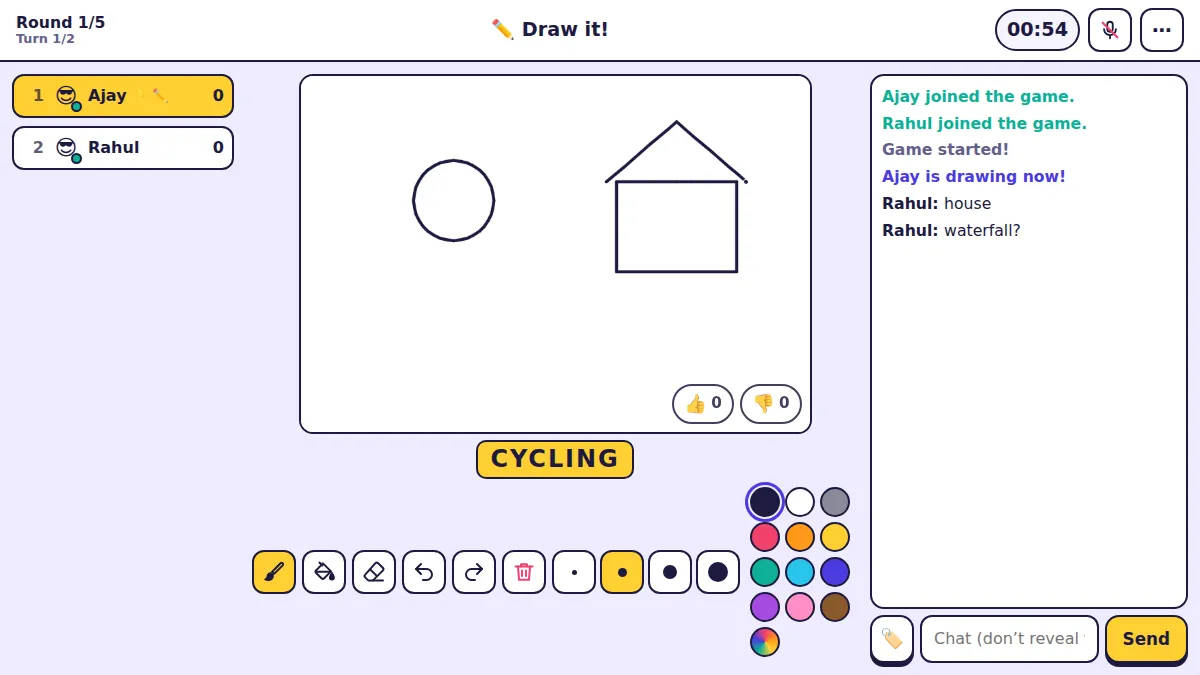
When it is your turn, the canvas becomes yours and a row of tools appears under it. You have between 30 seconds and three minutes, depending on the room, so knowing exactly what each button does saves precious time.
The three main tools
Brush — the default. Draw with your mouse, finger or stylus.
Fill (paint bucket) — tap inside a closed shape to flood it with the current colour. Perfect for skies, grass or a red apple. If the shape has a gap, the colour leaks out, so close your outlines first.
Eraser — rubs out what you drew. For small mistakes, undo is usually quicker.
Undo, redo and clear
Undo removes your last stroke, redo brings it back. Use them freely; they are much faster than the eraser for a line that went wrong.
Clear (the bin icon) wipes the whole canvas. Handy when you realise halfway through that your drawing is heading nowhere — start again with a simpler idea.
Brush sizes
- Small — details: eyes, letters on a sign you are not allowed to write, whiskers
- Medium — outlines; the best default for most drawings
- Large — thick shapes and quick shading
- Extra large — filling big areas fast when the fill tool is not an option
Colours
The palette next to the sizes has the colours you need most — black, white, grey, red, orange, yellow, teal, light blue, blue, purple, pink and brown. The rainbow circle at the end opens a colour picker so you can choose any colour.
Colour is one of the strongest hints you can give. A yellow curve is a banana before you finish it; a blue wavy line under anything says water.
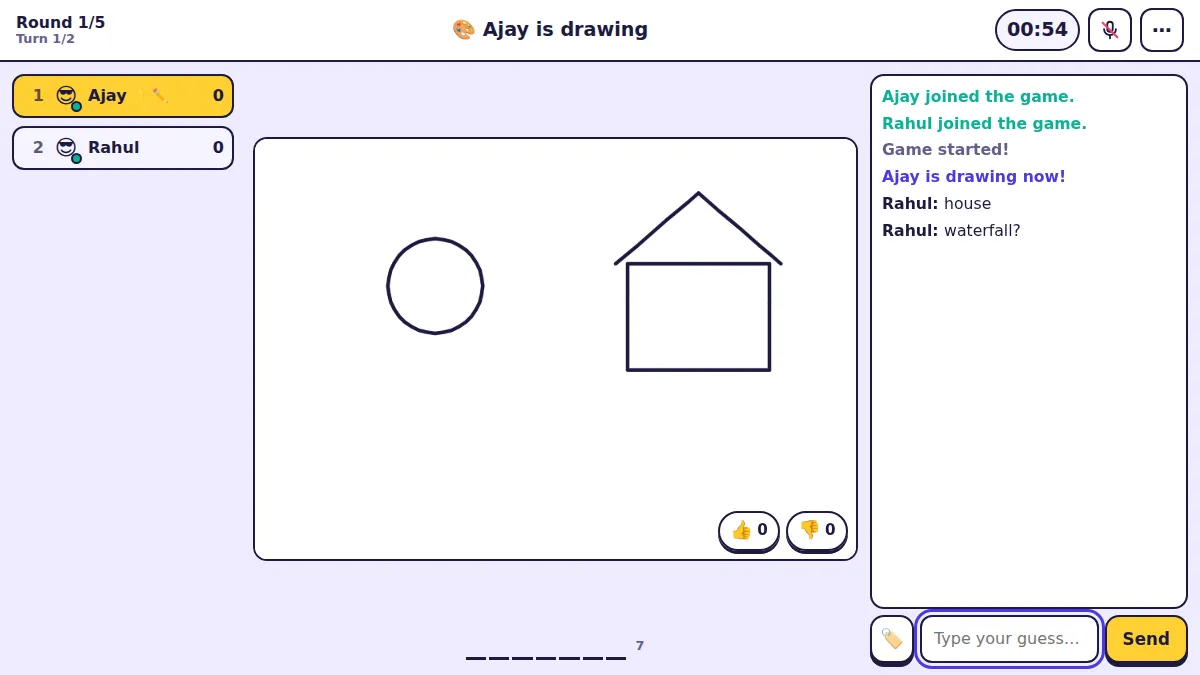
While you draw, the word sits under the canvas so you never forget it. The 👍 and 👎 buttons on the canvas let guessers rate your drawing — a quick way to see whether your style is landing.