Private Room Settings in Scribble Arena: What Every Option Does
Players, rounds, drawing time, word choices, hints, word mode, language and custom words — set up the perfect game for your group.
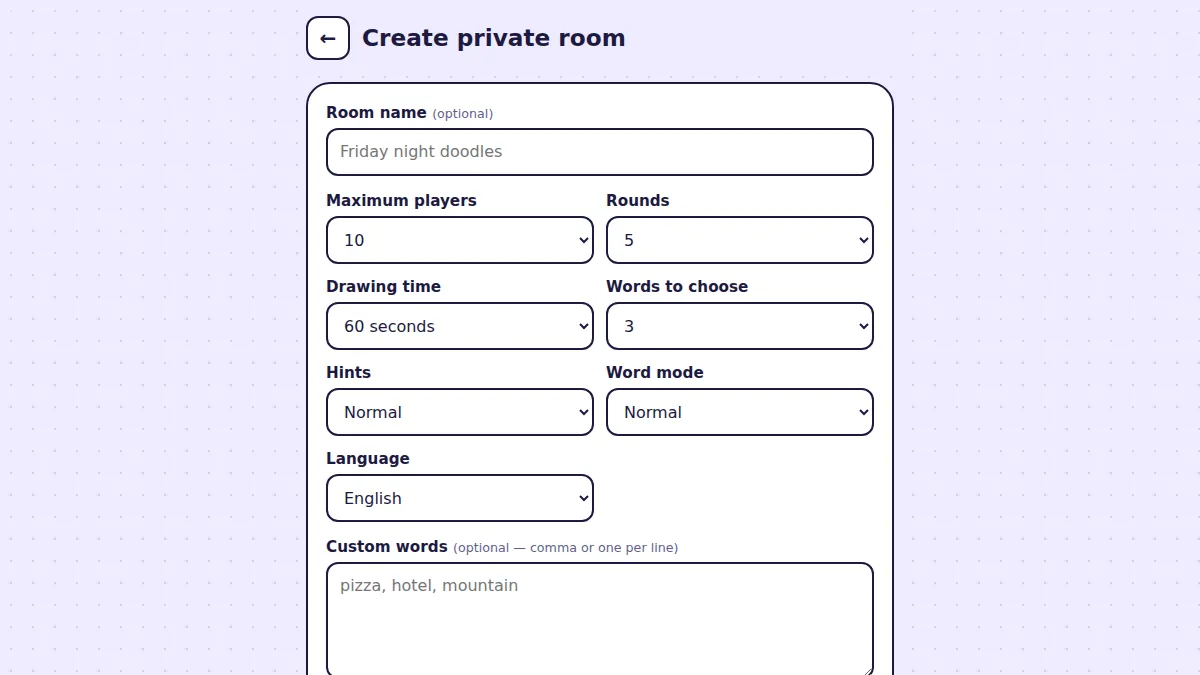
When you create a private room you get a settings screen. The defaults work well, but a few changes can turn a good game night into a great one. Here is what each option does.
Players, rounds and time
Maximum players — from 2 up to 20. Keep it small (4–8) for close friends; everyone gets more turns.
Rounds — 1 to 10. In each round every player draws once, so 3 rounds with 6 players is 18 drawings.
Drawing time — 30, 45, 60, 90, 120 or 180 seconds per drawing. Sixty seconds suits most groups; give kids or tricky custom words more time.
Words, hints and modes
- Words to choose — how many options the artist gets (1–5). More choices means easier drawings.
- Hints — Off, Easy, Normal or Frequent: how often letters of the word are revealed to guessers.
- Word mode: Normal — the usual game.
- Word mode: Hidden — no hints at all; guessers only see how long the word is.
- Word mode: Combination — two words joined together, for players who find normal rounds too easy.
- Language — English or Hindi words.
Custom words
Type your own words into Custom words — one per line or separated by commas. Inside jokes, names of your friends, words from a school topic: anything goes.
Tick Use only my custom words to play with nothing but your list. Leave it unticked and your words are mixed in with the normal word list.
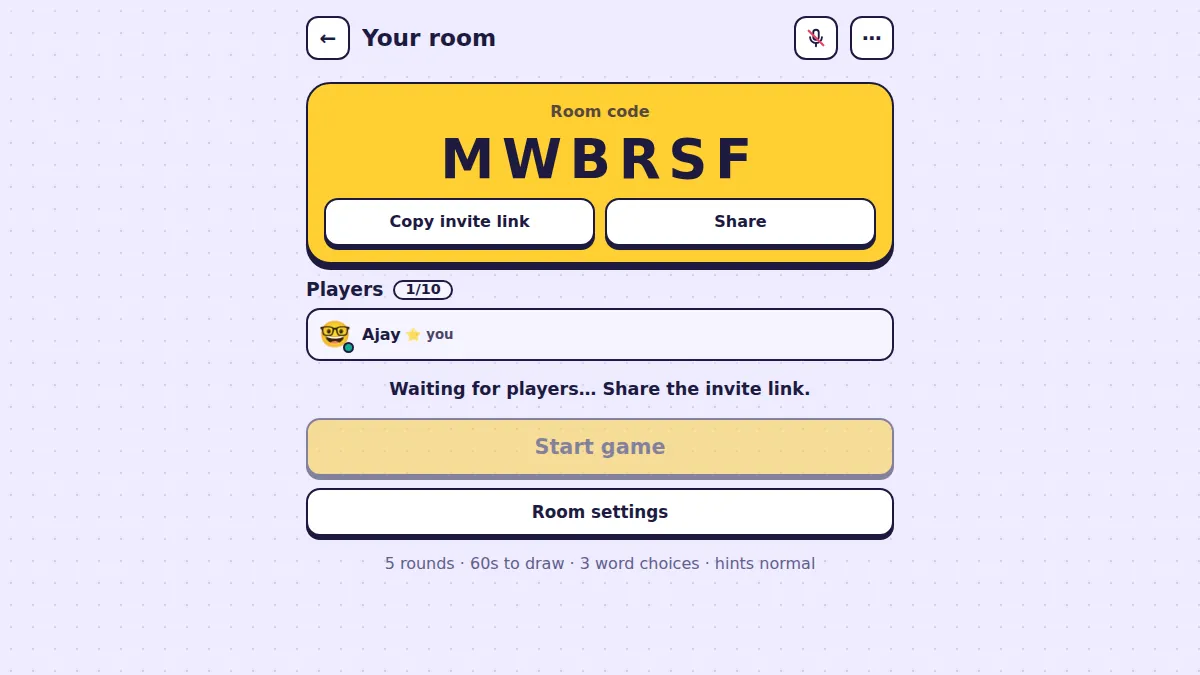
You can change all of this later: the Room settings button sits right under Start game in your room. Once everyone is happy, press Start game and enjoy.