How to Play Scribble Arena Online with Friends — and Find New Players
Quick public games, private rooms with a code, invite links and the Find players search — every way to get a game of Scribble Arena going.
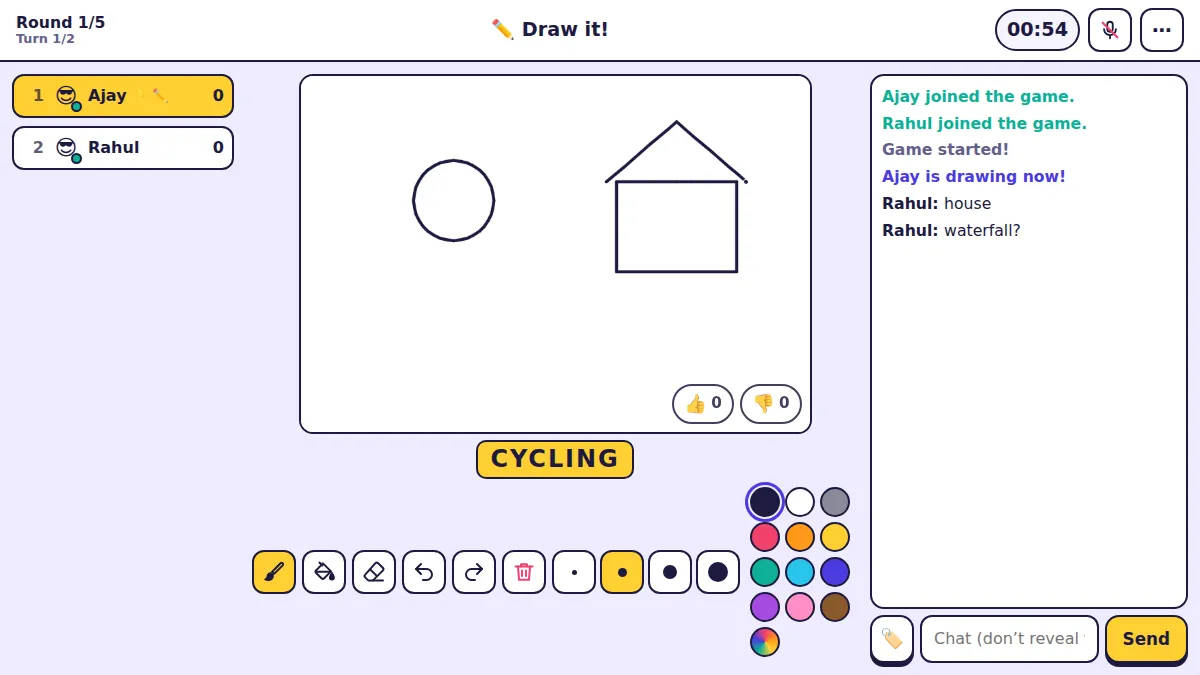
Scribble Arena needs at least two people: one draws, the others guess. There are three ways to get into a game, and which one you pick depends on whether you want strangers, friends, or both.
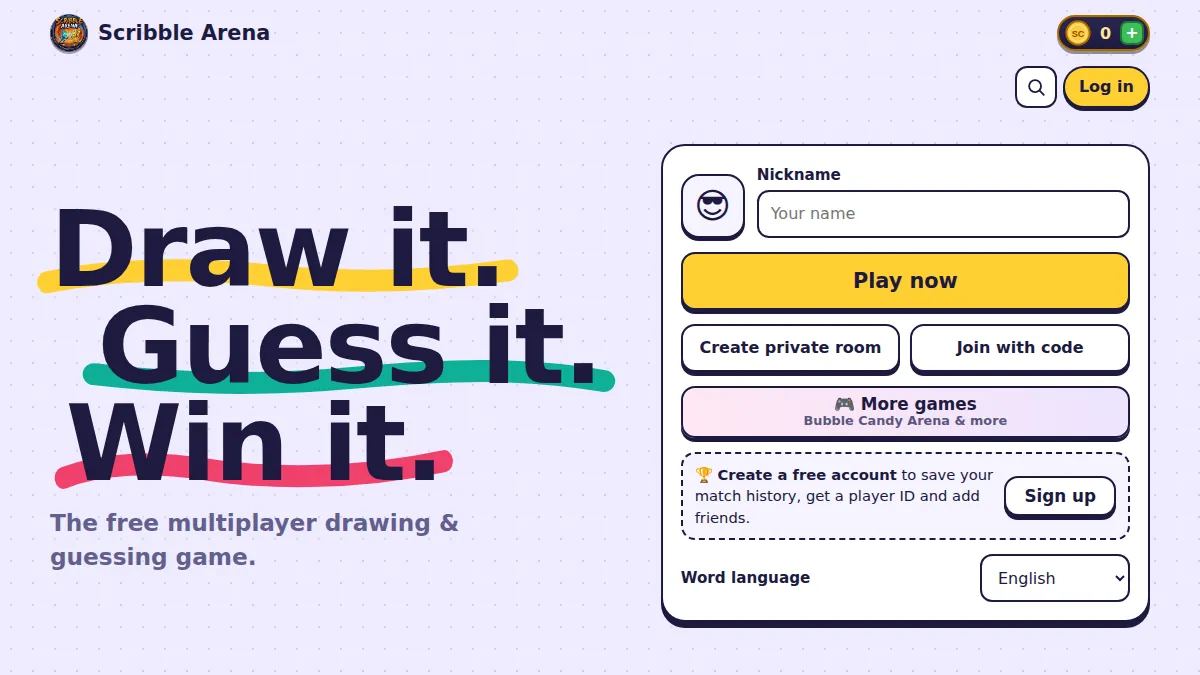
1. Play now — the fastest way in
Type a nickname, choose your avatar and press Play now. You join a public room with other players who are also looking for a game.
You do not need an account to play this way, and you can pick the word language — English or Hindi — under the buttons.
2. Create a private room for your friends
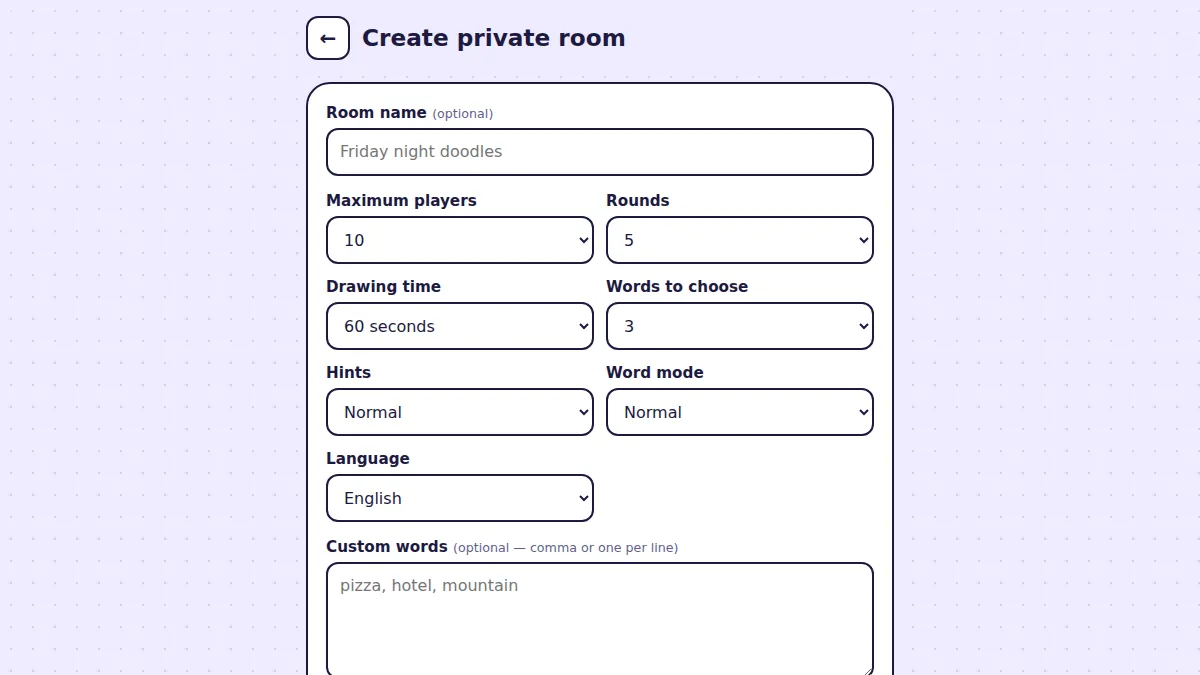
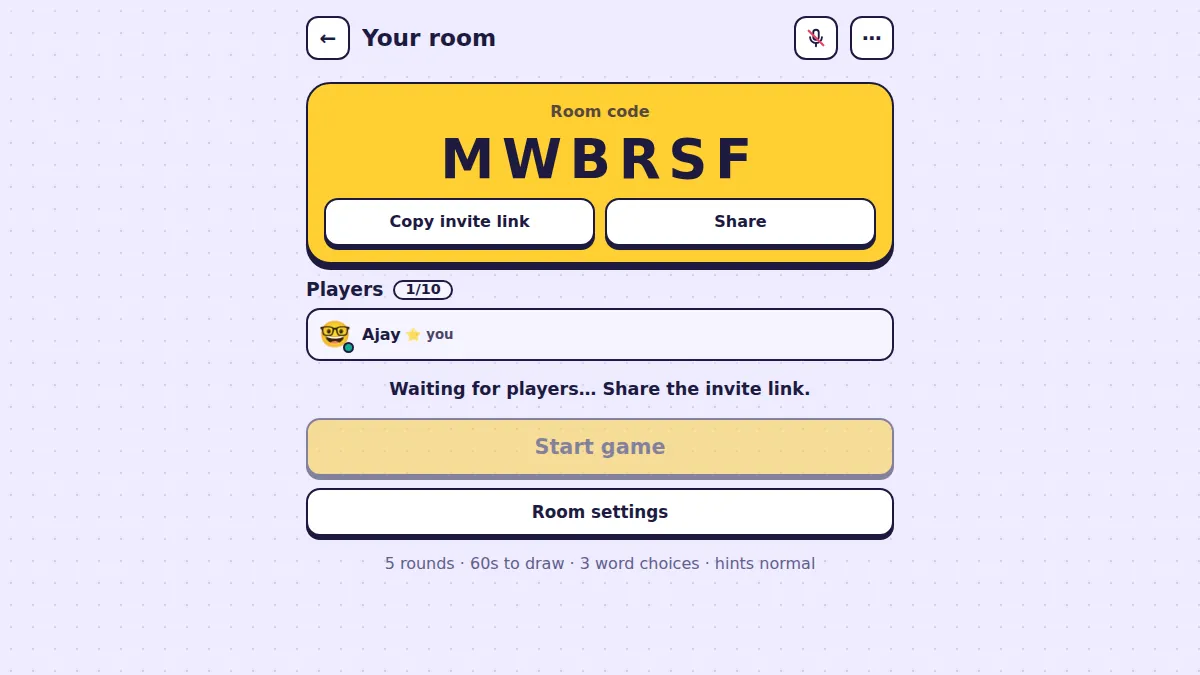
Press Create private room, adjust the settings if you like, and you get your own room with a six-letter room code in big letters.
Under the code there are two buttons: Copy invite link puts a link on your clipboard you can paste into WhatsApp or any chat, and Share opens your phone’s share sheet directly. Anyone who opens the link lands in your room. When everyone is in, press Start game.
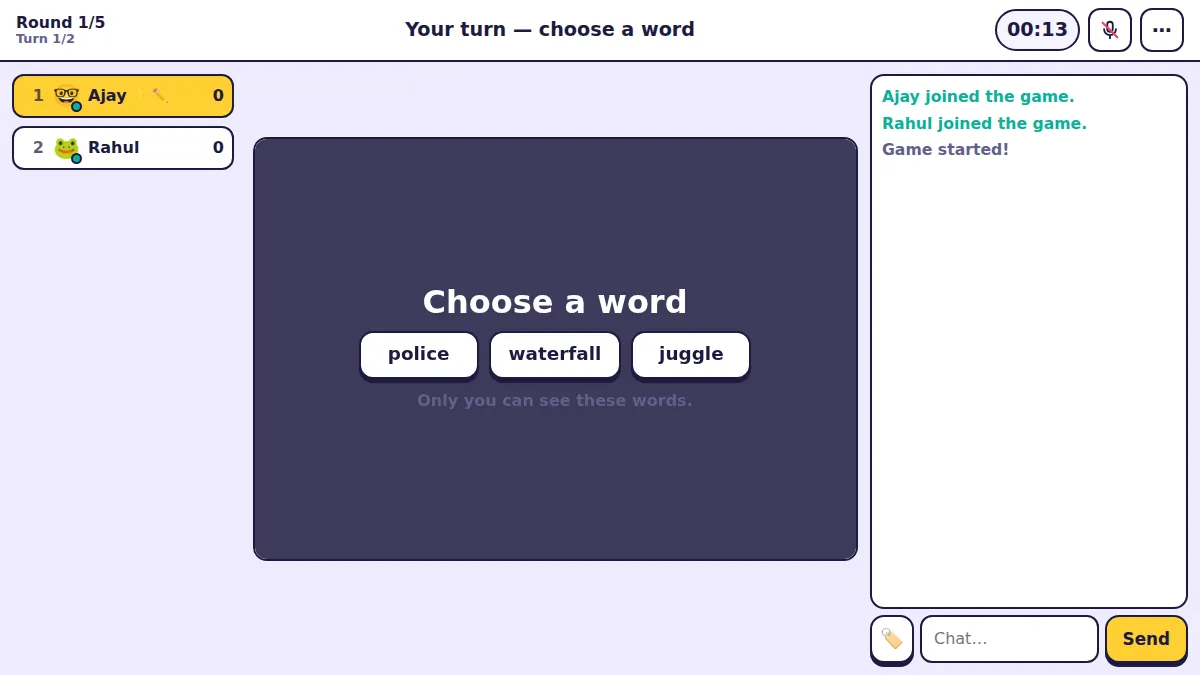
3. Join with a code
If a friend reads their code out to you instead of sending a link, press Join with code on the home screen and type the six letters.
Private rooms do not show up in public games, so only people with the code or link can get in.
Find players and add friends
Once you create a free account you get a permanent player ID — a number like 510001 — and a friends list. Open the menu and choose 🔍 Find players: search by username or player ID, then send a friend request.
When they accept, they appear in your friends list with their online status and you can message them any time. It is the easiest way to keep a regular group together — send the invite link to your friends in Messages and everyone is in.
Which way should you use?
- Just want a quick round? Play now.
- Playing with friends tonight? Create a private room and share the invite link.
- Friend reading a code over a call? Join with code.
- Same group every week? Make accounts and add each other with Find players.